For teams on SQL Server, Oracle, PostgreSQL and MySQL
Replace SSRS, Access and spreadsheet reporting with one private portal
Reports, dashboards and forms that save to your database. Scheduled reports and alerts. Answers to plain-English questions. No code to write, and your own private server.
14 days free · no credit card · your own server
- SQL Server
- Oracle
- PostgreSQL
- MySQL
- Excel uploads
Where reporting gets stuck
Three habits UnpackData replaces
“SSRS reports only IT can change”
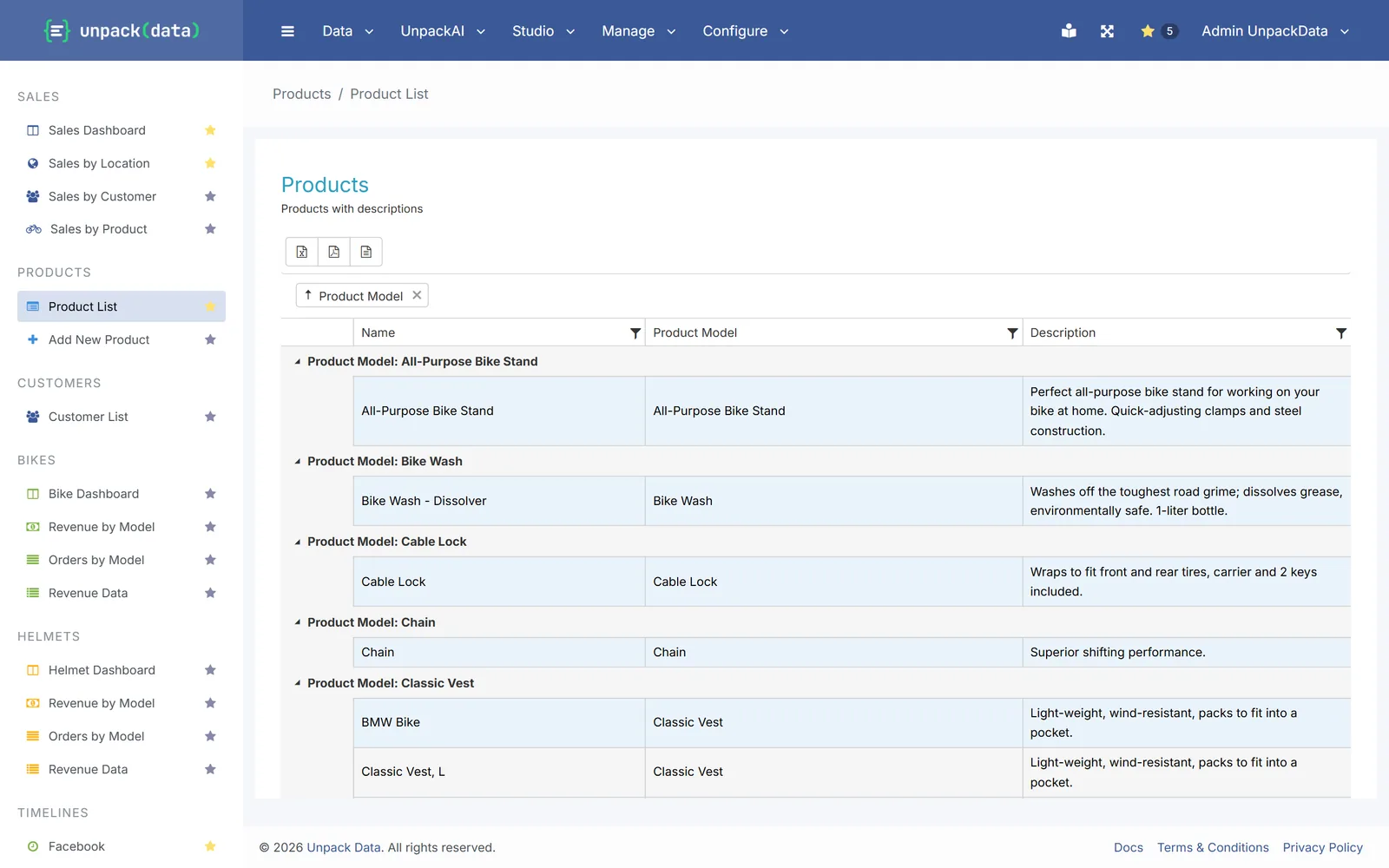
Reports your team builds and changes
In the browser: filter, sort, group and export to Excel, PDF or CSV. Everyone sees the same live numbers.
“An Access database on a shared drive”
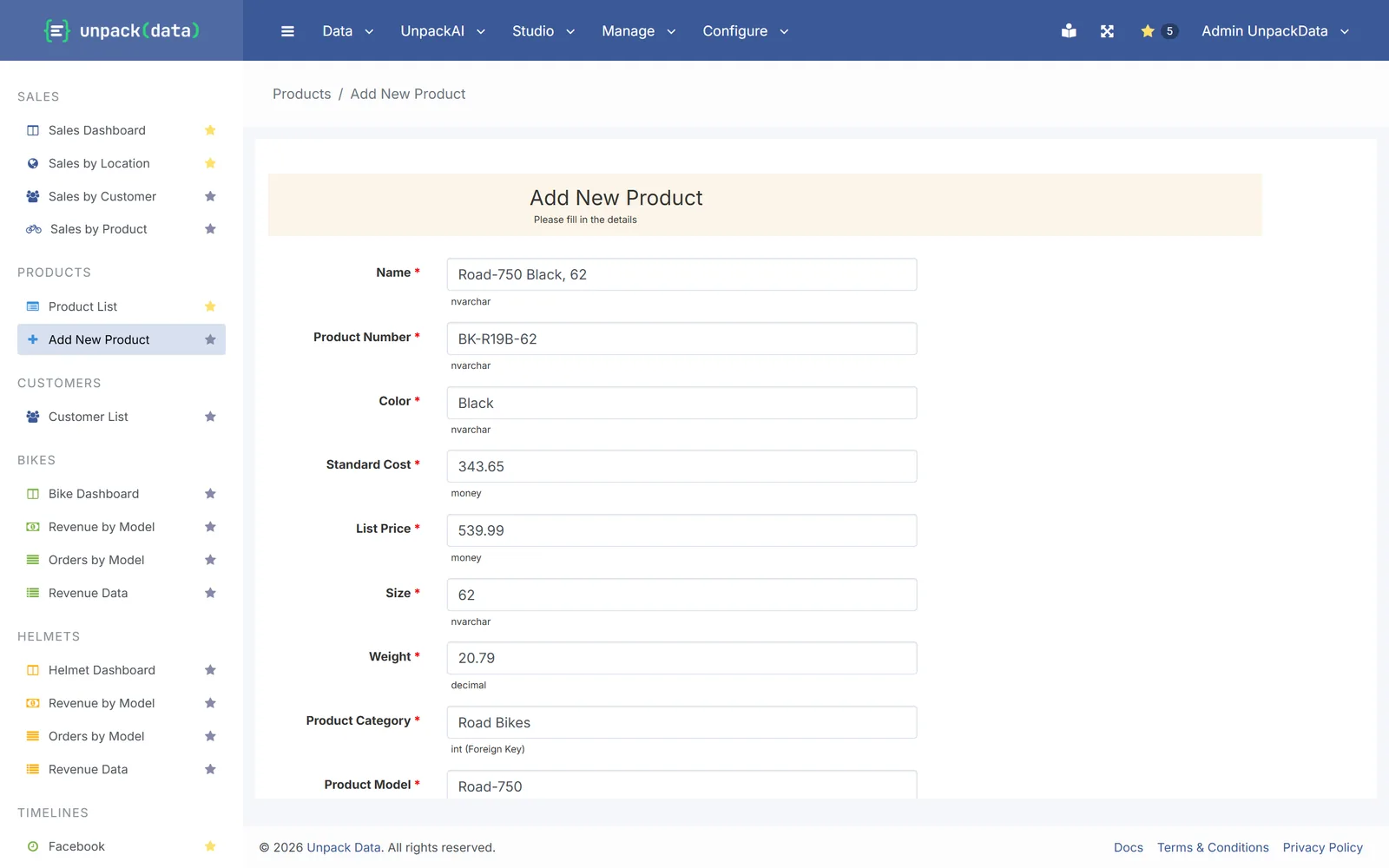
Web forms on your SQL database
Forms add or change records in your own tables, with dropdowns from your lists and required fields, for everyone at once.
Pro and Enterprise
“Spreadsheets emailed around every Monday”
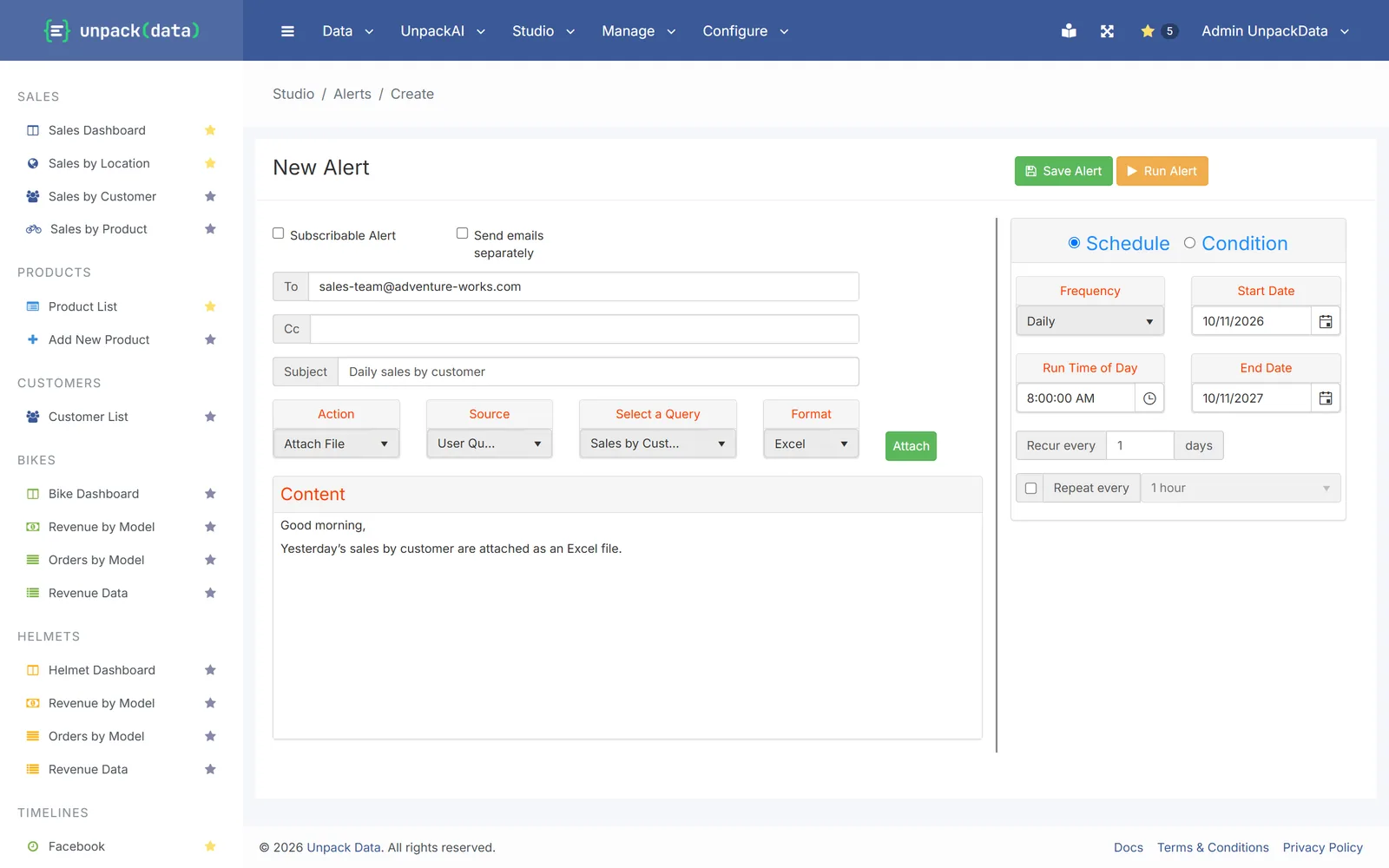
Reports that arrive on schedule
Daily, weekly or monthly, with the Excel file attached, to people or whole roles, or only when your data meets a condition you set.
AI assistant
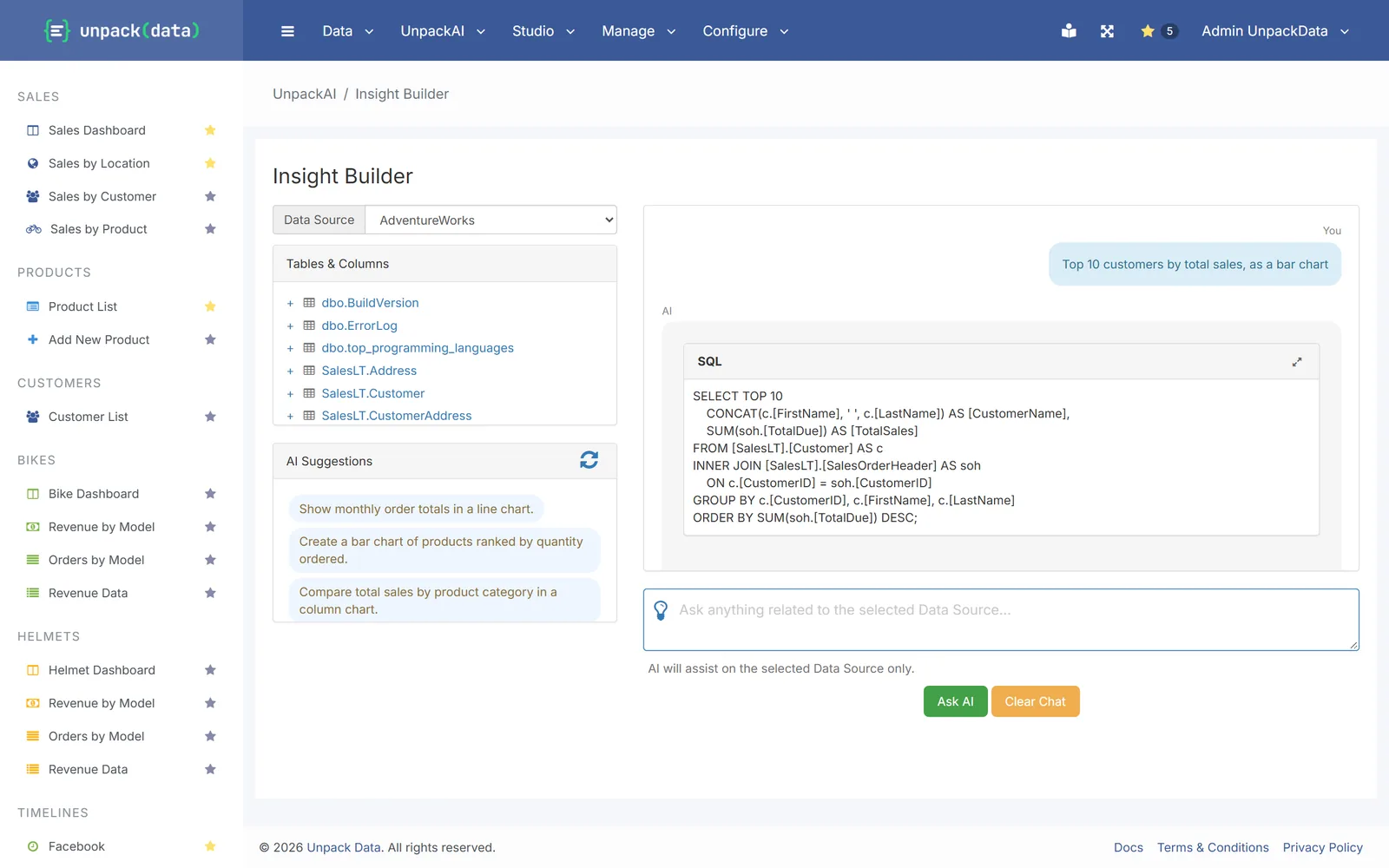
Ask in plain English. Check its work.
- Ask things like “top 10 customers by total sales” or “overdue orders by region”.
- See the results, a chart and how it got them, then save the answer as a report.
- The AI never sees the data in your tables.
How it works
Up and running in three steps
Connect your database
SQL Server, Oracle, PostgreSQL or MySQL, or upload Excel files.
Build without code
Reports, dashboards, forms and alerts, made in the browser.
Share and schedule
Invite people by role and put reports on a timetable.
Why IT says yes
Private by design
Your own server
Every customer gets a private server with its own database and web address.
Live on your data
Reports query your database when someone opens them. No nightly copies.
Only who you invite
Sign-up is by invitation and invite links expire. Roles decide which reports and forms each person sees.
Pricing
Basic, Pro and Enterprise, each on its own server
Every plan includes reports, dashboards, forms and the AI assistant. Alerts, workflows and the API come with Pro. Try UnpackData free for 14 days, no credit card needed.
See pricingMoving over
Want help with the move?
We can rebuild your SSRS reports or Access screens with you. Tell us what you have and we’ll quote it after a short review.
Talk to us