Product tour
Everything your team needs to work with SQL data, without writing code
Connect your database, build reports, dashboards and forms, put them on a schedule, and ask questions in plain English. All on your own private server.
Connect
Connect your database
UnpackData connects to the databases you already run and queries them live, so reports always show today’s numbers.
- SQL Server, Oracle, PostgreSQL and MySQL. Basic connects three data sources, Pro ten, Enterprise as many as you need.
- Upload Excel workbooks up to 100 MB. Each sheet becomes a table you can report on.
- Pull in data from Stripe, HubSpot, Shopify and Zendesk. It syncs when you click Sync now.
Reports
Reports your team can change
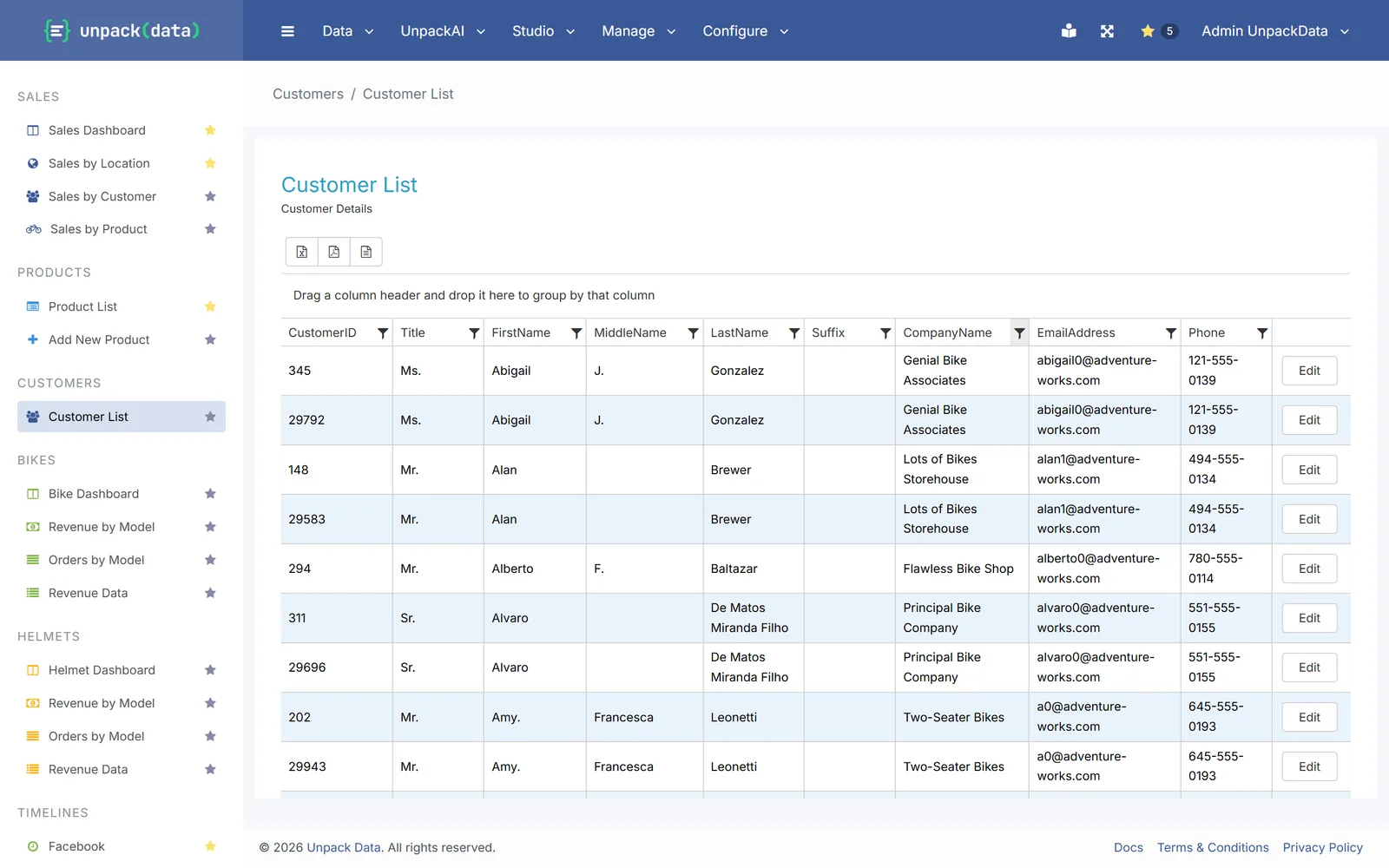
Turn your data into a live report in minutes. People open a link and see the latest data, with no report server to look after.
- Build reports in the browser: pick your tables, combine them and add filters.
- Published reports stay quick to sort, filter, group and page through, even with large tables.
- Export to Excel, PDF or CSV.
- Save a filtered view as a link, for example one that shows only the West region.
- Share each report with the roles that need it.
Dashboards
Dashboards in minutes
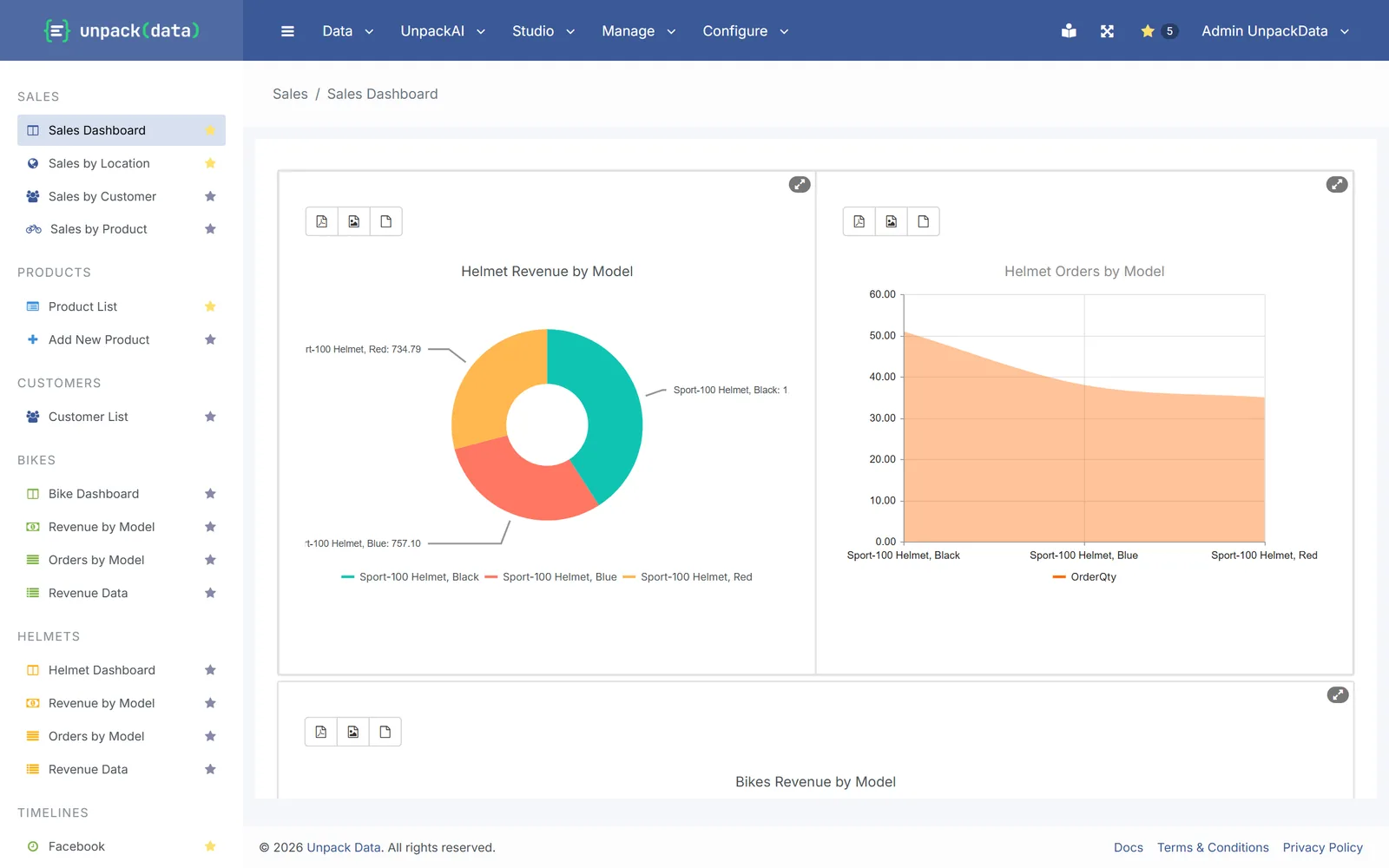
Put the numbers a team watches every day on one page, built from the same live data.
- Drag-and-drop layouts.
- More than 20 chart types, from bar, line and pie to waterfall, radar, scatter and stock.
- Reports, forms and timelines next to your charts.
- Export charts as PDF or image files.
Forms
Forms that save to your database
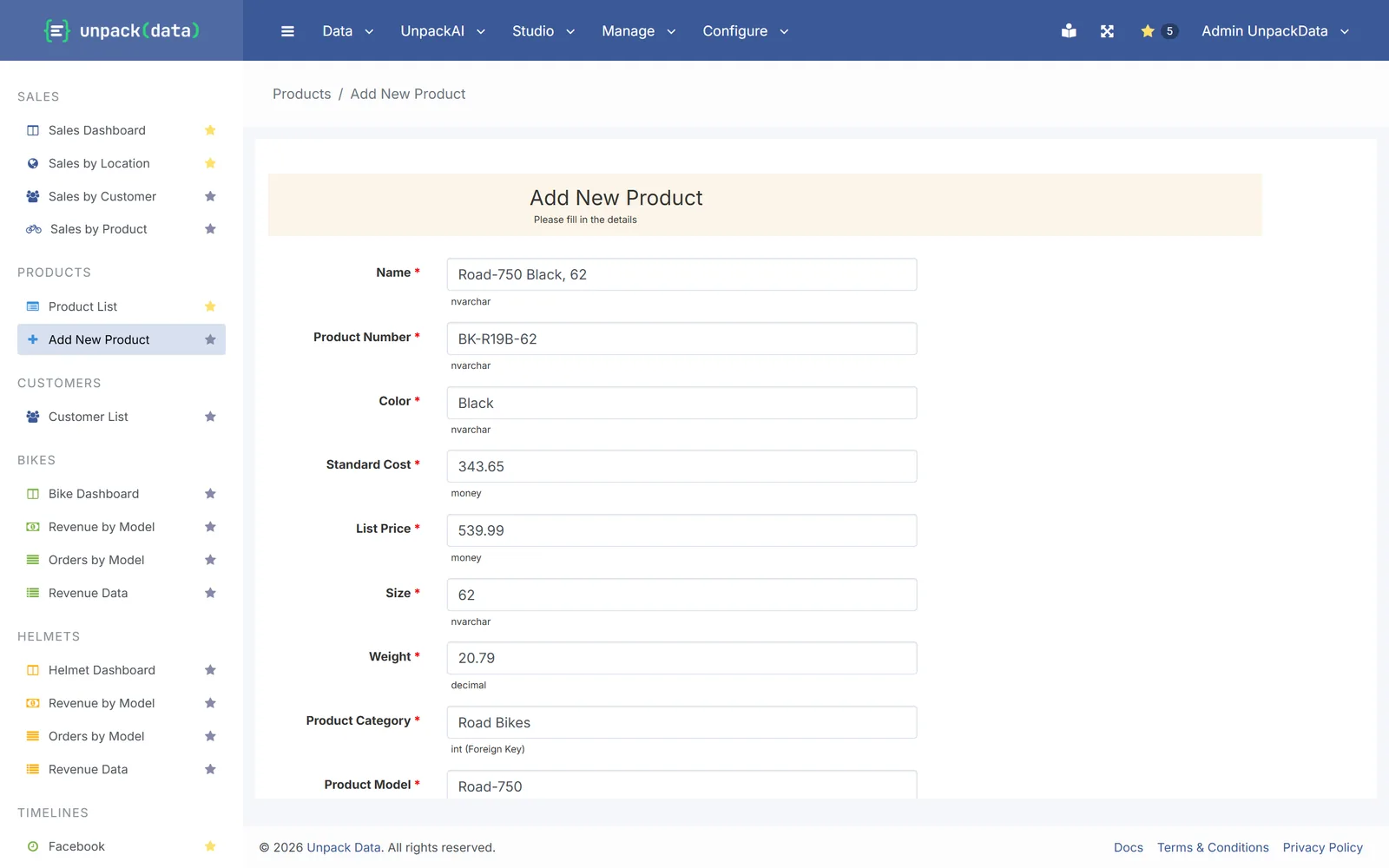
Collect data where it belongs: in your database. Forms replace Access screens and the spreadsheets people email around.
- Add or change records in your own tables.
- 17 field types, including dropdowns from your lists, dates, file upload, signature, barcode and QR.
- Required fields and show or hide rules.
- Email notifications on submit, and a log of every submission.
- Open an edit form straight from a row in a report.
Pro and Enterprise
Scheduled reports and alerts
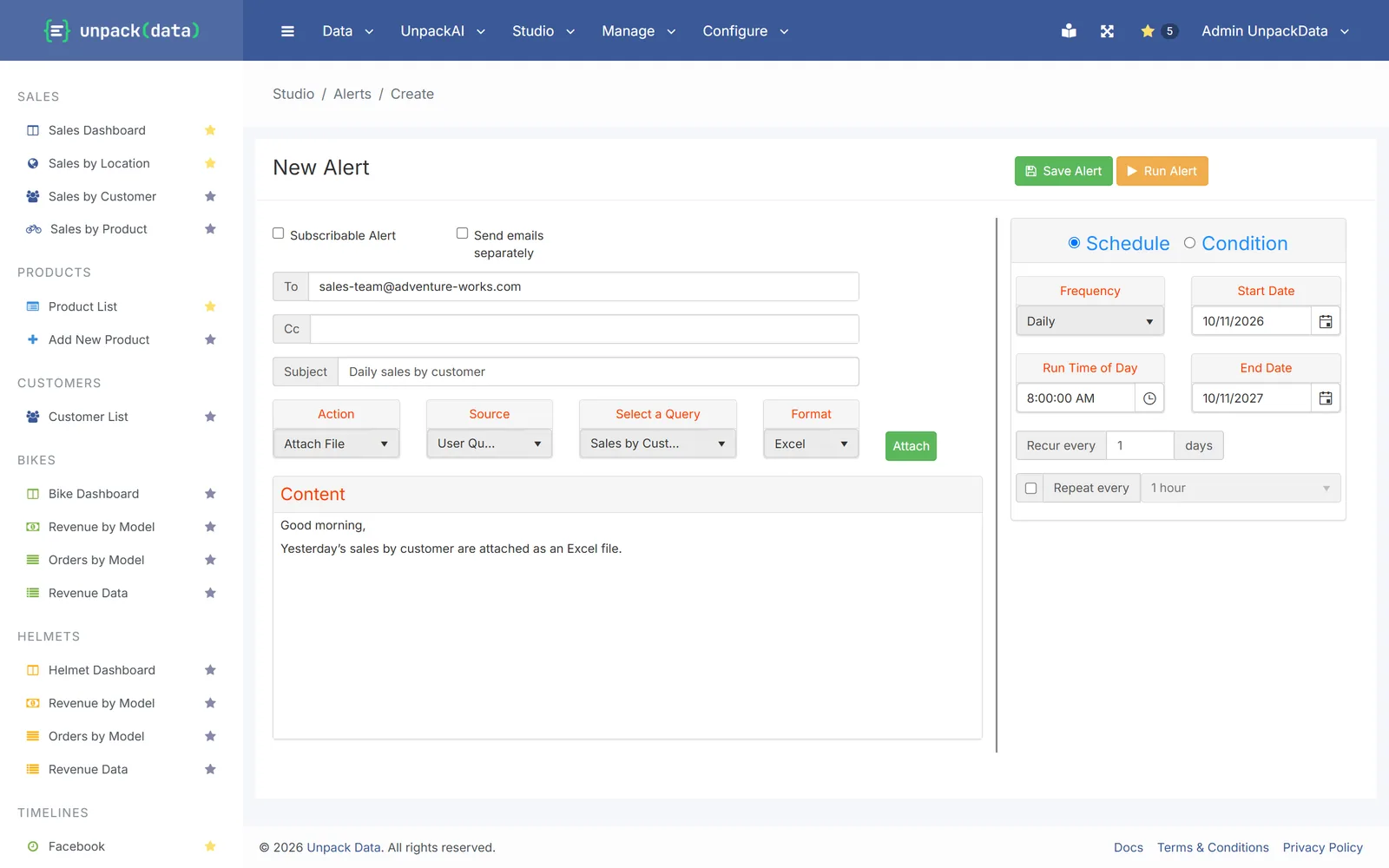
Put reports on a timetable instead of building them by hand every Monday.
- Daily, weekly or monthly, at the time you choose.
- Or check your data every few minutes and send only when it meets a condition you set.
- Attach Excel, CSV or PDF, or a chart image.
- Send to people, whole roles or any email address, and let people subscribe themselves.
AI assistant
An AI assistant that shows its work
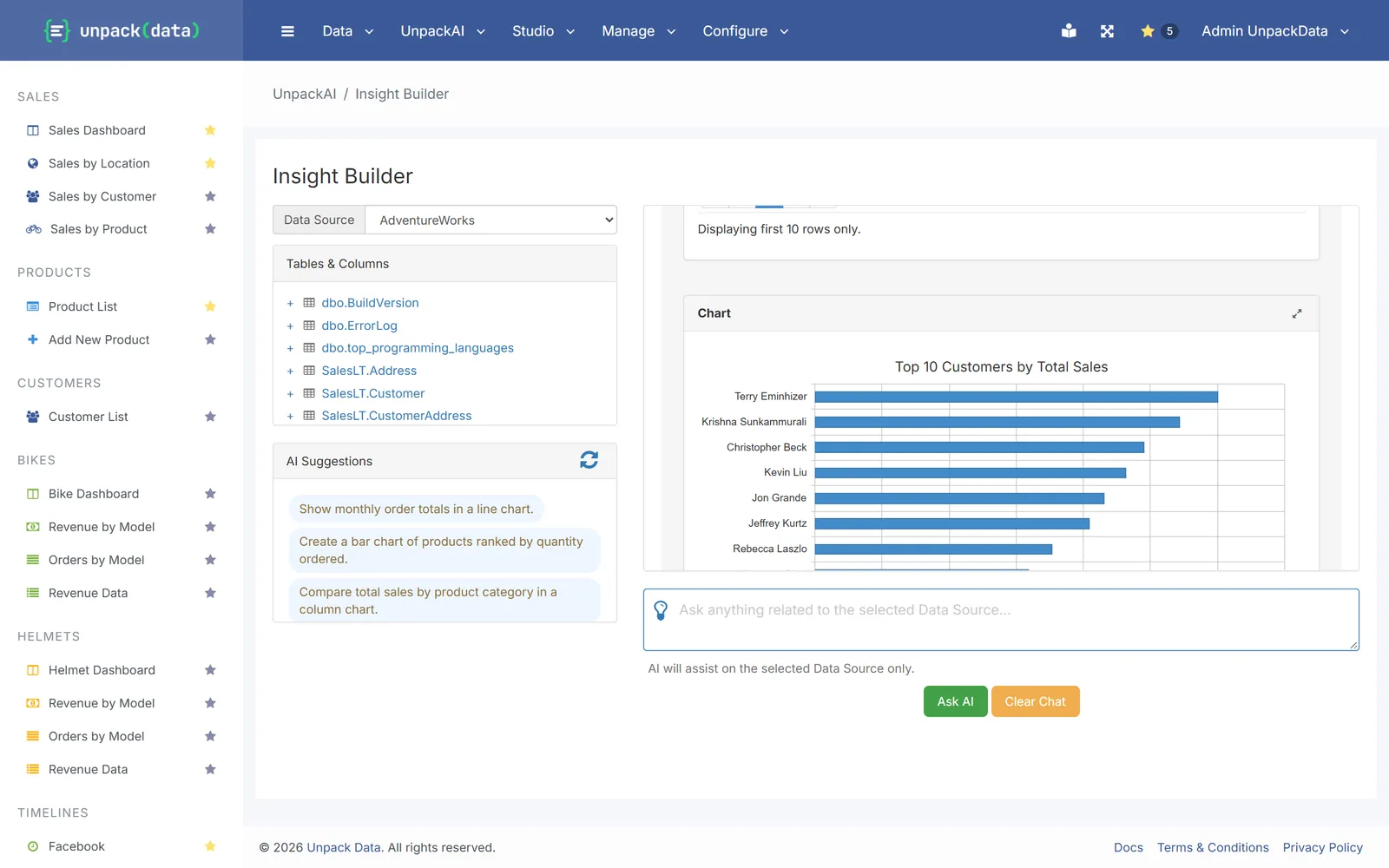
Every answer shows how it was worked out, so you can check the numbers before you share them.
- Suggested questions based on your own tables.
- Save any answer as a report, then add a chart to it, or an alert on Pro and Enterprise.
- The AI never sees the data in your tables.
Pro and Enterprise
Workflows
Hand work from one person to the next without chasing anyone by email.
- Start a workflow when a form is submitted.
- Assign steps with due dates and priorities.
- People record progress with a comment, and everyone involved gets an email.
Pro and Enterprise
API and Claude access
Let your other systems, and AI agents like Claude, use the same reports your team uses.
- An API on your own server for queries, datasets, dashboards, charts, forms, alerts and workflows.
- API keys are shown once, can expire and can be revoked.
- Claude can find and run your published reports, and ask the assistant questions.
Hosting
Your own server
Every customer runs on a dedicated server with its own SQL Server database and its own web address. No other customer’s data or code runs on it. Enterprise can also run on your own servers or private cloud.
Coming soon
- Sign-in with your company accountComing soon
- Your own domain nameComing soon
- Control over which records each person seesComing soon