Access replacement
Take your Access database to the web
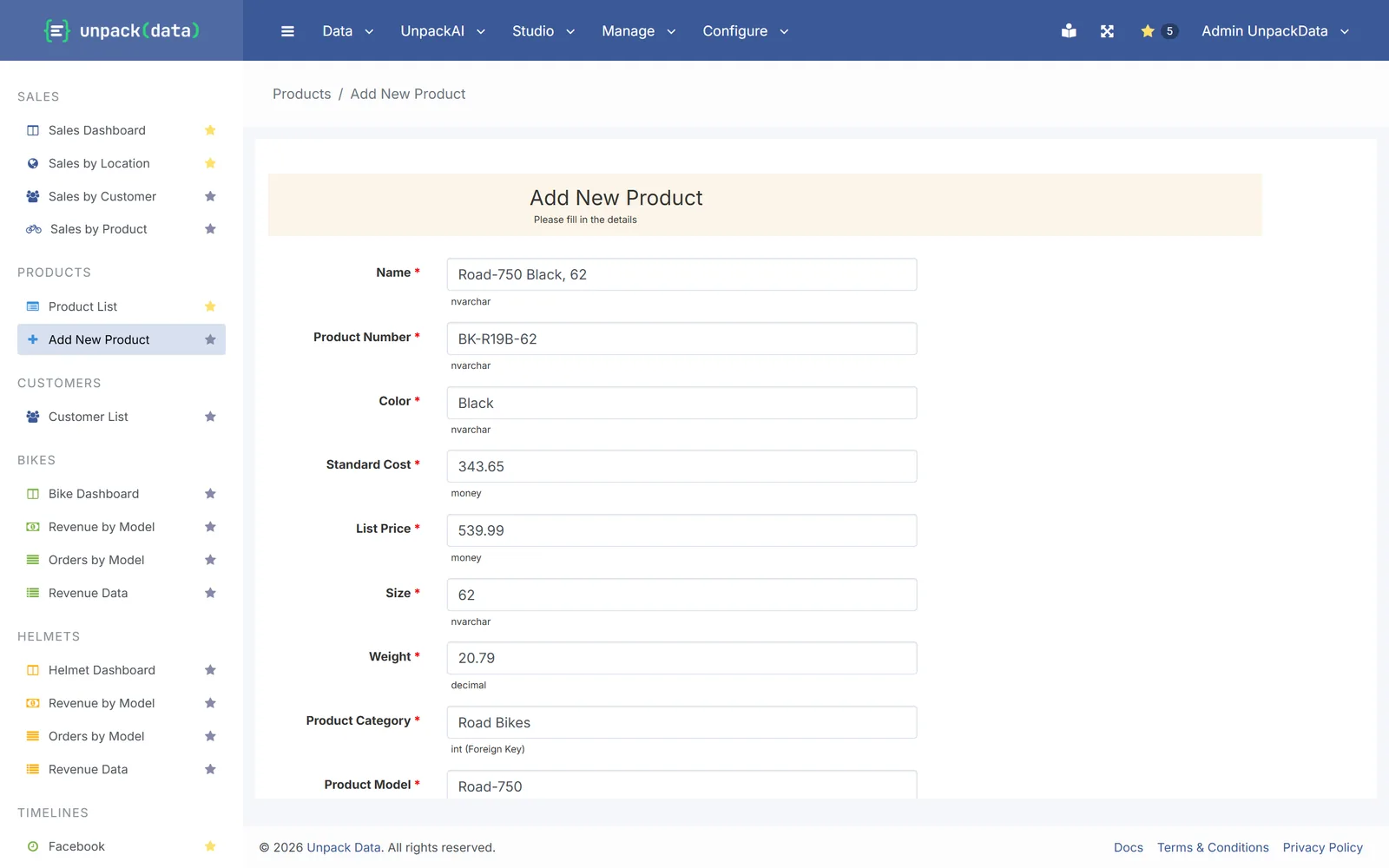
Move your Access tables to SQL Server and rebuild your forms and reports as a secure web portal. Everyone works in the browser at the same time, from anywhere.
Sound familiar?
Access was great until the team grew
- One database file on a shared drive
- Corrupted files and lost changes
- One person editing at a time
- A VPN just to reach the office copy
- Nothing that works on a Mac or in a browser
What maps to what
Your Access database, in UnpackData
| In Access | In UnpackData |
|---|---|
| Tables | SQL Server tables: on your own SQL Server, or the database included with your UnpackData server |
| Forms | Web forms that add and change records |
| Queries | Queries built in the browser |
| Reports | Live reports and dashboards with Excel and PDF export |
| Lookup fields | Dropdowns from lists |
| Macros and VBA | Alerts and workflows for common jobs (Pro and Enterprise). Heavy VBA logic needs rework |
| Switchboard | Menus for each role |
What doesn’t map one to one
VBA-heavy applications, Access-style subforms and print layouts with complex grouping need some rework. We look at your database first and tell you which parts.
Moving over
How a move works
Move the tables
Your Access tables go into SQL Server with Microsoft’s free migration assistant. Your data stays yours, on your own server.
Rebuild the screens
Forms become web forms, queries and reports become live reports, and lookups become dropdown lists.
Invite the team
Everyone signs in from the browser, with menus set for each role.
Want us to do the move? We look at your database first and quote it after a short review.
Questions
Common questions
Do we need our own SQL Server?
No. Every UnpackData server includes its own database. If you already run SQL Server, we can use that instead.
Can several people enter data at once?
Yes. Everyone works in the browser at the same time, so there is no file to lock or corrupt.
What happens to our VBA?
Common jobs such as emails, reminders and hand-offs move to alerts and workflows, which come with Pro and Enterprise. Complex VBA logic usually needs rework, and we tell you up front which parts.
Does it work on a Mac?
Yes. UnpackData runs in any modern browser, on Windows or Mac. It also opens on phones, though the screens are designed for larger displays.
Who moves the data?
You can, with Microsoft's free SQL Server Migration Assistant for Access. Or we can move it for you: moving a database is quoted after a short review.
Bring your Access database to a call
We'll look at it with you and tell you what moves easily and what needs work.