SSRS alternative
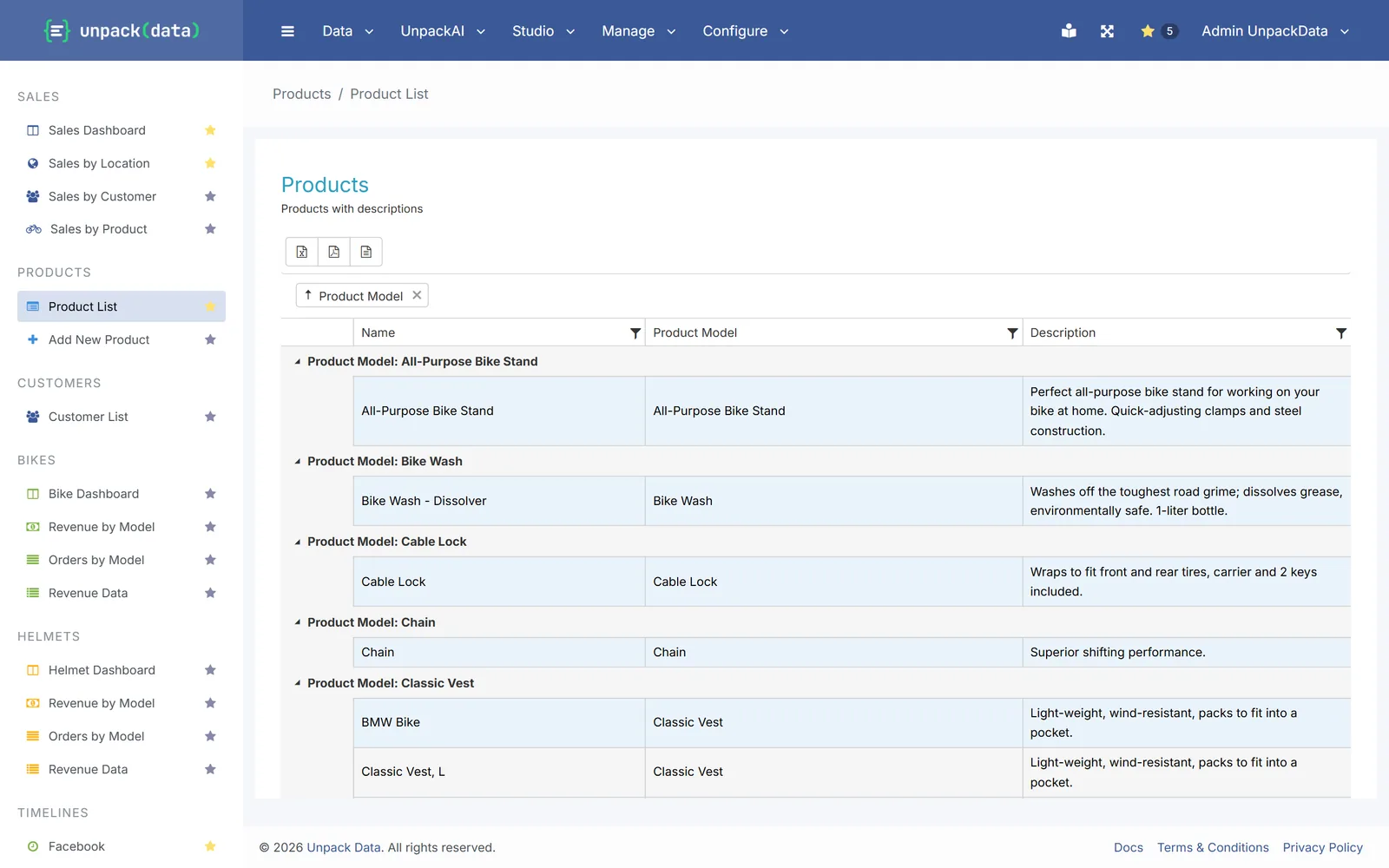
Move your SSRS reports to the browser
Rebuild SSRS reports as live web reports and dashboards your team can change. Keep your SQL Server, and turn subscriptions into scheduled emails with Excel or PDF attached.
Why now
SSRS has reached the end of its road
Microsoft announced on 19 June 2025 that SQL Server 2025 has no new SSRS release. On-premises reporting moves to Power BI Report Server, and SSRS 2022 is supported until January 2033.
If you are deciding what comes next, there is a lighter option than another report server.
Sources: Microsoft SQL Server blog · Reporting Services consolidation FAQ
What maps to what
Your SSRS habits, in UnpackData
| In SSRS | In UnpackData |
|---|---|
| Report (RDL) | A published report, or a dashboard |
| Parameters | Filters, which can also go in the link |
| Subscriptions | Scheduled reports with Excel, CSV or PDF attached (Pro and Enterprise) |
| Data-driven alerts | Alerts that send only when your data meets a condition you set (Pro and Enterprise) |
| Report Builder | The query builder, in the browser |
| Folders and permissions | Menus and roles |
| Report server upkeep | Your own UnpackData server, set up for you |
What doesn’t map one to one
UnpackData is not a pixel-perfect page designer. Keep printed invoices and labels in SSRS or Power BI Report Server. We don’t import .rdl files: we rebuild each report on the same tables and views.
Moving over
Start with the reports people use most
We move them with you
Send us a list of your reports. After a short review we quote the move per report and rebuild them on the same tables and views.
Bigger estates
Moving dozens of reports? Start with the ones people open every day and switch the rest over time.
Your own pace
Start a free trial, connect your SQL Server and rebuild a report yourself.
Questions
Common questions
Do we have to move off SQL Server?
No. UnpackData connects to your existing SQL Server and queries it live. Your tables, views and data stay where they are.
Can people outside the company see reports?
Yes. Add them as external viewers and share only the reports and forms they need.
Can we run SSRS and UnpackData side by side?
Yes. You can move your busiest reports first and switch the rest over time.
What do we need to open in our firewall?
Your UnpackData server connects to your database over the internet, so your firewall needs to allow that connection. We help you set it up, including a read-only login for reports.
Which plan do subscriptions need?
Scheduled reports and alerts, which replace SSRS subscriptions, come with Pro and Enterprise. Reports, dashboards and exports are on every plan.
How long does a move take?
It depends on the reports. We look at what you have and quote the move per report, or you can rebuild a report yourself during the free trial.